Short answer: a card charge that starts with LINK.COM*, such as LINK.COM* OPENROUTER or LINK.COM* NOUS RESEARC, is not a stranger’s charge. You bought a digital product, subscription or credits from a merchant that sells through Link (Stripe’s payment service; the official name is “Sold through Link”), so Link collects the money and its name is added in front of the merchant’s.
To check it, sign in at link.com and look under Activity or Recurring. No Link account? Search your inbox for the receipt from an @link.com address. On cards we issued, 4 cards had LINK.COM* charges: 9 succeeded for $110.96 in total, and the 3 declines were all “not enough money on the card for this charge” — each went through after a top-up or a smaller amount.
One thing to watch: if your Link account has two or more cards saved, the backup payment method is on by default. When a subscription charge on your main card is declined, Link automatically retries on another saved card. To stop that, turn it off under Settings → Backup Payment Methods at link.com, or remove the card you do not want charged.
Written by the Pink Card team (pinkcard.cc). Link’s rules come from the Link Help Center (support.link.com) articles “Why am I seeing charges labeled Link or link.com* STORE”, “What is Sold through Link”, “Why did my Link payment get declined”, “Why did I get an email saying my backup payment method was charged”, “How can I remove my backup payment method” and “Requesting a refund for a Sold through Link payment”, opened without signing in on 2026-11-22 (Beijing time). Charge data: our read-only database, 2026-08-24 00:00 to 2026-11-22 12:38 Beijing time (UTC+8), cards we issued ourselves only, excluding partner-channel and internal test cards; totals only. The first LINK.COM* charge on our cards was on 2026-10-29, so this is a small sample of 4 cards. Pink Card has no official relationship with Stripe or Link.
What Link says a LINK.COM* charge is
From the Link Help Center: a charge from Link.com on your bank or credit card statement means you recently bought a digital product, subscription or software from a business that sells through Link. You can review it on the Activity or Recurring page of your Link account. Without a Link account, look for the receipt sent from @link.com — it has the payment details and support contacts.
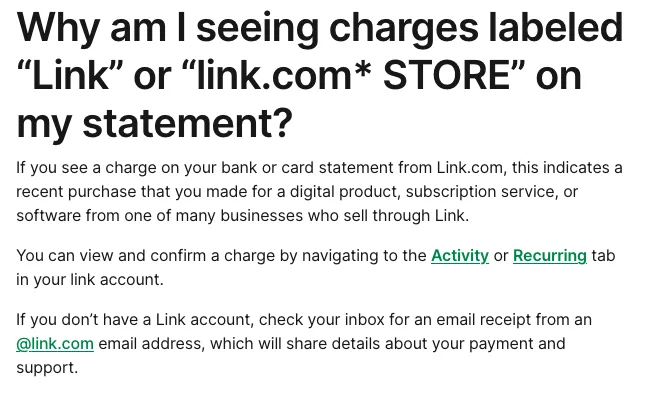
- Format: “link.com* + merchant name”, and the merchant name gets cut short — LINK.COM* NOUS RESEARC is Nous Research (Nous Portal).
- “Sold through Link” means Link handles payment, order management and support for that merchant; you will see the words on the checkout page or the receipt email.
- Digital goods only: subscriptions, software and API credits.
- Taxes: the Link Help Center says GST / VAT on Sold through Link purchases is calculated automatically at checkout, so the amount can be a little above the list price and not a round number.
- The same merchant can show up under two names. On our cards OpenRouter appears as OPENROUTER, INC NEW YORK (the merchant collecting itself) and, from 2026-10-29, as LINK.COM* OPENROUTER (collected by Link), with the city shown as SOUTH SAN FRA or LONDON.
LINK.COM* charges on our cards
| Name on the card | Service | Succeeded / cards | Amount | Declined |
|---|---|---|---|---|
| LINK.COM* OPENROUTER, SOUTH SAN FRA | OpenRouter credits | 4 / 2 | $46.10 | 1 (not enough for this charge) |
| LINK.COM* OPENROUTER, LONDON | OpenRouter credits | 4 / 3 | $43.08 | 0 |
| LINK.COM* NOUS RESEARC LONDON | Nous Portal | 1 / 1 | $21.78 | 2 (not enough for this charge) |
| Total | 9 / 4 cards | $110.96 | 3 |
- All 3 declines read “The value is greater than the maximum single transaction value”: the charge was bigger than the money left on the card. None was “card not accepted”.
- Of the 9 successful charges, 6 were in USD, 2 in Chinese yuan (CNY 82.13 and 82.43, i.e. $12.60 and $12.66) and 1 in Singapore dollars (SGD 8.44, i.e. $6.72). Foreign-currency charges are converted to USD before they hit the card, so the amount is not round.
- One card was charged $11.88 four times in six days at OpenRouter through Link — consistent with auto top-up or buying the same amount repeatedly.
- We only see charges on our own card, not which other cards are saved in your Link account. If you saved another card there, the declined attempts may have been retried on it (see “backup payment method” below).
What Link is, and how it differs from typing in your card
- Link is Stripe’s quick-checkout service. When you pay on a site that uses Stripe and tick “save my info”, your card and contact details go into a Link account; next time, on any site that supports Link, you enter your email, confirm a code and the card fills in.
- If checkout offers “Pay with Link” or asks for a text-message code, that is Link. You can skip it, type the card in by hand and not save it.
- Paying through Link or typing the card charges the same card. The difference is the name: only merchants that are “Sold through Link” show LINK.COM* on the card; normal merchants paid with Link usually still show their own name.
- A Link account can hold several cards. Subscriptions and recurring charges use the default card, and with two or more cards saved the backup payment method is on by default.
Link payment declined: what to do
The Link Help Center article “Why did my Link payment get declined” lists four kinds of reason: not enough funds; wrong card details (CVC, card number, billing information); an expired card; and unusual activity flagged by the issuing bank. It suggests checking the details, making sure the balance is enough, or asking the card issuer.
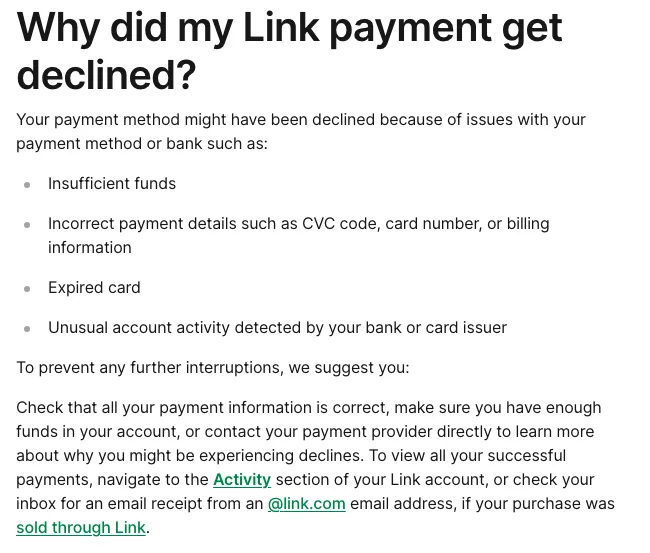
- Check the decline reason on the card first: look up the transaction history with the card number and lookup code. “maximum single transaction value” or “cumulative amount limit” means the card did not have enough for this charge (after tax and currency conversion).
- Top up at least “this charge + $1”. A top-up usually lands within 5–10 minutes; the card number stays the same, so there is no need to re-save the card in Link.
- Pay again only after the money lands. One Nous Portal charge on our cards was declined at 17:01, a top-up was ordered at 17:03, a retry at 17:04 was still declined (money not on the card yet), and it went through at 17:10.
- Or try a smaller amount first: another card was declined at 00:35 for CNY 74.55 ($11.43) at OpenRouter, then succeeded 3 minutes later with $9.68; after a $30 top-up, a CNY 82.13 charge also went through.
- Card details saved in Link: enter the cardholder name exactly as in the card email, and a billing address in the same place your internet connection exits, down to the city. Use the card number, expiry and CVV exactly as emailed; do not keep deleting and re-adding the card.
- Every declined charge also costs $1 on our card (at most 3 declined-charge fees per card per month), so repeated retries only cost more.
What “maximum single transaction value” means: Prepaid virtual card decline messages explained
Why Link charged my other card: the backup payment method
From the Link Help Center: the backup payment method keeps subscriptions and recurring payments from being interrupted. If a subscription or recurring charge on your main card is declined (commonly insufficient funds, an expired or reported card, or a bank decline), Link automatically retries on another eligible card in your Link account. It is on by default when you have several cards saved, newly added cards are eligible by default, and Link emails you each time a backup card is used.
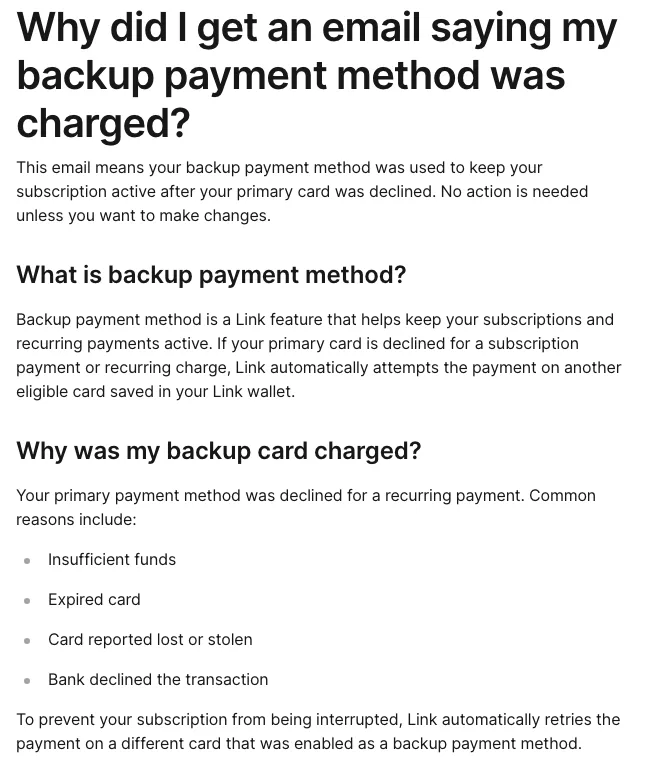
- Typical case with a prepaid card: the Pink Card balance is short, the charge is declined, and Link charges the other card you saved — or the other way round.
- The setting applies to the whole account; it cannot be switched off for just one merchant or one subscription.
- Turning it off does not cancel subscriptions, but a declined main card will then mean a failed payment, and the merchant may pause the subscription.
- An email saying “backup payment method was charged” means the main card was declined this time — check why (on a prepaid card, usually not enough balance).
How to turn it off — the Link Help Center article “How can I remove my backup payment method” gives three ways:
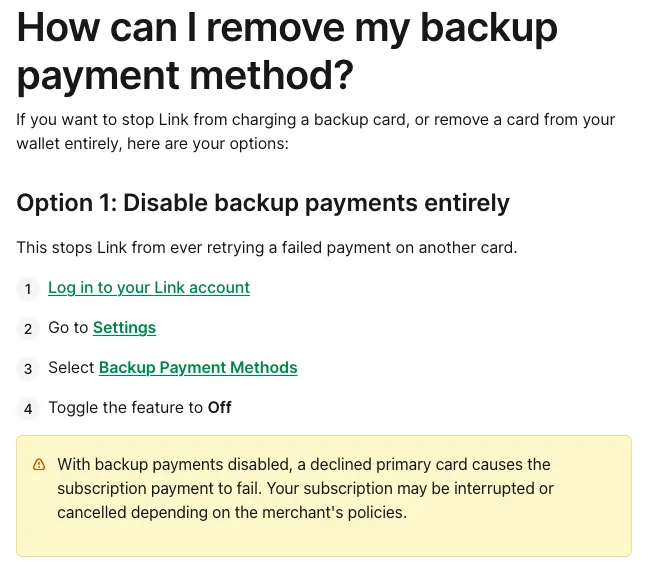
- Turn it off entirely: sign in at link.com → Settings → Backup Payment Methods → switch the toggle off.
- Exclude one card: on the same page, set that card to “Not eligible for backup”; other cards can still be used as backup.
- Delete the card: sign in at link.com, open the page that lists your saved cards, select the card and click Remove.
- Want the Pink Card as your main card? Make sure the balance covers the next charge, then set it as the default in Link. If the balance is short, do not rely on the backup — it will charge a different card.
Cancelling and refunds
- Cancel: subscriptions sold through Link are managed in your Link account. Sign in, open Recurring, select the subscription, click Manage subscription and follow the steps. If you did not pay with Link, you can create a Link account from the @link.com receipt email and manage it there.
- Refund conditions (Link Help Center): you did not receive the digital item; it is significantly not as described or does not work; it is damaged; or the payment was not authorized, duplicated or fraudulent. Request within 60 days of the transaction.
- Not covered: changing your mind; an unused subscription you did not cancel before the billing date; a payment already refunded or already disputed with your bank.
- Timing: refunds go back to the original card, usually in 3–7 business days, and Link’s review can take up to 5 business days. A refund to a Pink Card goes back into the card balance.
- Charge you do not recognise: check Activity at link.com or search your inbox for an @link.com receipt; if it still does not match, contact Link support.
Paying with Pink Card (disclosure: this is our product)
Pink Card, from PinkWallet, is the overseas gift card built for AI subscriptions: a prepaid USD virtual card (Mastercard / Visa) that can be saved in Link or typed in at checkout. It has no official relationship with Stripe or Link, and it is only a way to pay — it does not guarantee every merchant or every charge will go through.
- Choose an amount on pinkcard.cc/en: presets start at $50 ($50, $110, $220, $500, $1000), or enter a custom amount from $50.
- Pay with USDT on BEP-20 or ERC-20, or USDC on ERC-20. The card number, expiry and CVV arrive by email about 1–2 minutes after the payment confirms.
- Card issuance: $10 one-time, plus a 3% service fee on (card amount + $10). A $50 card costs $61.80, a $110 card $123.60.
- From the card balance: $1 per transaction (declined ones too, at most 3 declined charges per card per month) and $2.50 per month.
- Top-up on the same card: $5 plus 5% of (top-up amount + $5), minimum $30 ($30 → $36.75), usually on the card within 5–10 minutes; the card number does not change.
- Once the card details are emailed, the order cannot be cancelled, so double-check your email address before paying.
Buy a card: choose an amount on the Pink Card home page
Already have a Pink Card? Enter the card number and lookup code to see transactions and top up
Adding the card to OpenRouter, step by step: How to use Pink Card with OpenRouter
OpenRouter card declined: OpenRouter card declined: causes and fixes
Nous Portal payment failed: Nous Portal payment failed
What other AI subscriptions are called on a card statement: AI subscription charge names on a card statement
Why a USD card gets charged in yuan or Singapore dollars: Foreign-currency charges on a prepaid virtual card
Chinese version (中文版,付款方式按中文站): 卡上出现 LINK.COM* 扣款是什么